
Americas
Los Angeles
United States
Available nowGood US choice
Locations
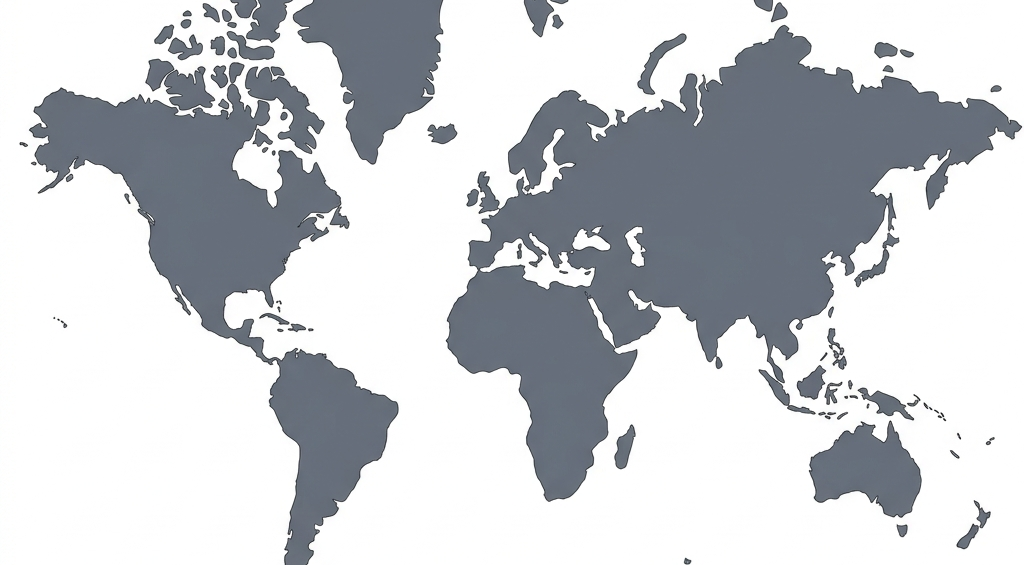
Find your closest server, view latency details, and connect to our active global network for secure browsing.
Locations
Choose any active server across North America, Europe, and Asia-Pacific to secure your traffic.
United States
United States

Canada
United States

Brazil

United Kingdom

Germany
France

Singapore

Japan

Australia
India
South Korea
South Africa
Choosing locations
Zaylo keeps our global server footprint clean and reliable so you can choose the route that fits your needs.
For the fastest speeds and lowest latency, a nearby server is usually the best first choice.
Zaylo VPN offers servers across North America, Europe, and Asia-Pacific so you can find a secure tunnel nearby.
If a connection feels slow or you are traveling, switch locations inside the Zaylo app.
Your plan includes access to active locations so you can secure your connection where you roam.
If a location fails, check the app status first: connected, reconnecting, or needs attention.
If every location fails, verify internet access and that you signed in with the right account email.
Changing VPN location can change the public IP websites see and can affect speed because traffic takes a different route.
For everyday browsing, prioritize stable nearby routes.
How locations work
The app handles VPN details in the background while keeping the user-facing state clear.
Available and upcoming locations are labeled before you connect.
The app handles the connection details in the background.
You can tell whether Zaylo is connected or needs attention.
Next step
Install the Zaylo VPN app for Android, activate your account, and secure your connection to global locations in one tap.
FAQ
Short, direct answers about Zaylo VPN's locations, latency, availability, and troubleshooting.
Zaylo VPN offers active servers across the Americas, Europe, Asia-Pacific, and Africa, including Los Angeles, New York, Toronto, Seattle, São Paulo, London, Frankfurt, Paris, Singapore, Tokyo, Sydney, Mumbai, Seoul, and Cape Town.
For the fastest speeds and lowest latency, select the location geographically closest to you. If you want to check your public connection details, you can use our public IP tool.
If a location fails to connect, try switching to a nearby alternative, verify your internet connection is active, and confirm that the app has been granted VPN permission.