Get Zaylo VPN
Start with Android today or check coming-soon status for other platforms.
Downloads
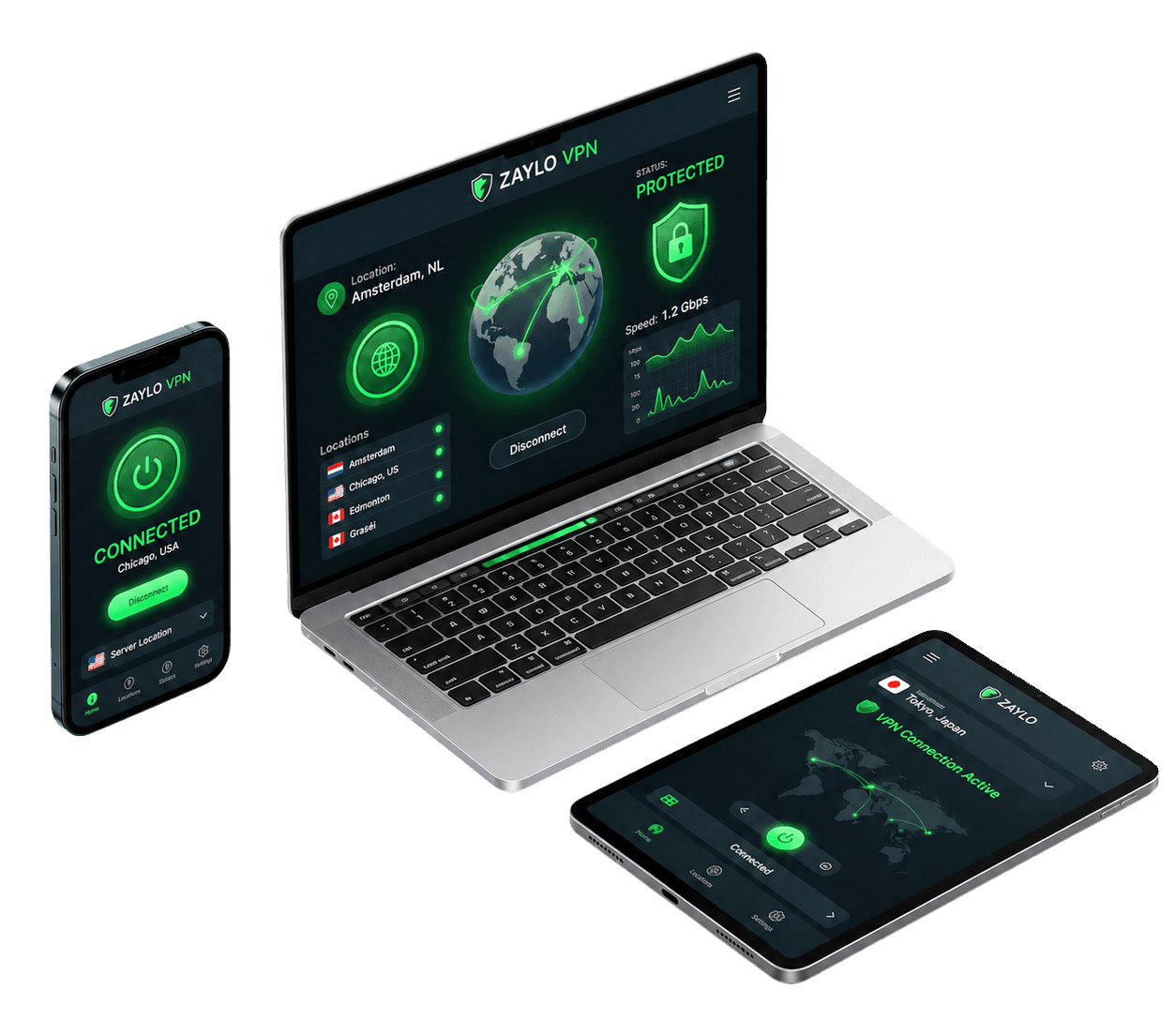
Download the official Android APK to connect your account. Support for iOS, macOS, and Windows is currently in development.
Android release
Install the Android APK after choosing a Zaylo plan. Verify the checksum before installing when your browser or file manager shows the downloaded file details.
Quick Setup
Get Zaylo VPN installed and running on your Android device in minutes.
Start with Android today or check coming-soon status for other platforms.
Use your Zaylo account email to connect your device.
Choose an available location and turn on your private VPN connection.
Android guide
Use this page as the public checklist for the current Zaylo VPN app path.
Start from the official Zaylo Android page section instead of a third-party mirror. The download details show the version, build date, and SHA-256 checksum to verify the package integrity.
If Android asks whether you want to install an APK from your browser or file manager, read the prompt and only continue if you intentionally downloaded the Zaylo APK here.
After checking out, open the Android app and sign in with the same Zaylo account email. The emailed code authorizes the app session.
If sign-in fails, check for extra spaces, missing characters, or expired codes before contacting support.
Choose an available location, tap Connect, and wait for the app to show that the VPN is active. If the app says reconnecting or needs attention, treat the connection as not ready yet.
When changing Wi-Fi networks or moving between mobile data and Wi-Fi, open the app to confirm your connection has stabilized.
Do not post sign-in codes, checkout emails, or account screenshots in public support channels. Support can verify your status with your checkout email without needing private security codes.
If you need to reinstall the app on a new device, return to this downloads page to retrieve the official verified APK.
FAQ
Short, direct answers about Zaylo VPN app downloads, platform availability, and account sign-in.
The Android app is currently available for direct download. iOS, macOS, and Windows apps are planned and will be added as soon as they are ready.
You can download the official signed APK from our Android app page. Once downloaded, open the file and follow the standard Android prompts to install.
Open the app, sign in with the same email used for checkout or pilot access, enter the emailed sign-in code, and follow the VPN permission prompt.
The Android app requires Android 8.0 (Oreo) or higher. System requirements for iOS, macOS, and Windows will be published when those apps are officially released.