
아메리카
Los Angeles
미국
현재 제공미국에 좋은 선택
위치
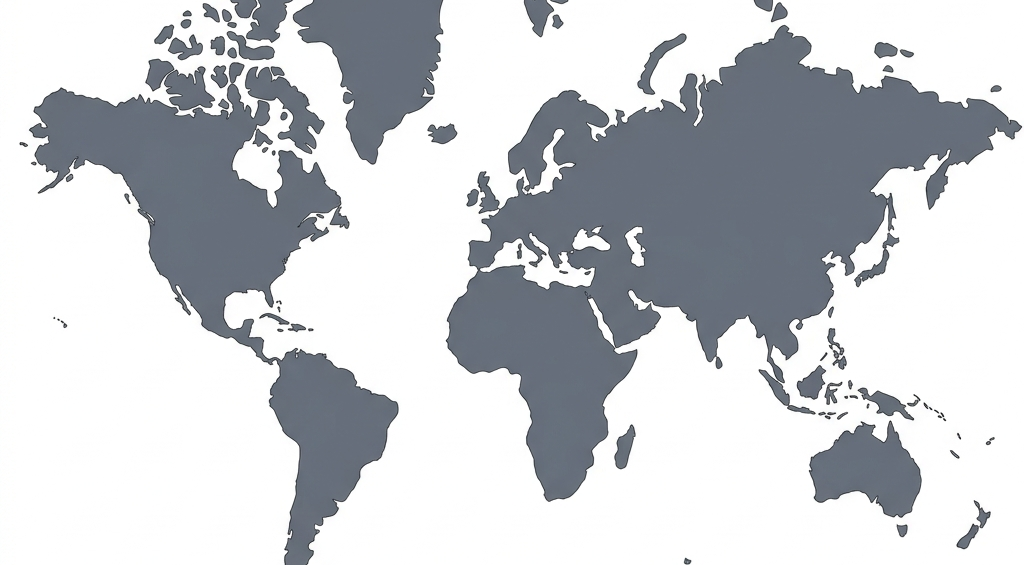
트래픽을 보호하려면 북미, 유럽 및 아시아 태평양 전역의 활성 서버를 선택하세요.
미국
미국

캐나다
미국

브라질

영국

독일
프랑스

싱가포르

일본

호주
인도
대한민국
남아프리카 공화국
위치 선택
Zaylo 글로벌 서버 공간을 깨끗하고 안정적으로 유지하므로 필요에 맞는 경로를 선택할 수 있습니다.
가장 빠른 속도와 가장 낮은 대기 시간을 위해서는 일반적으로 가까운 서버가 최선의 선택입니다.
Zaylo VPN는 북미, 유럽, 아시아 태평양 전역에 서버를 제공하므로 가까운 보안 터널을 찾을 수 있습니다.
연결 속도가 느리다고 느껴지거나 여행 중이라면 Zaylo 앱 내에서 위치를 전환하세요.
귀하의 계획에는 활성 위치에 대한 액세스가 포함되어 있으므로 로밍하는 곳에서 연결을 보호할 수 있습니다.
위치에 실패하면 먼저 앱 상태(연결됨, 다시 연결 중, 주의 필요)를 확인하세요.
모든 위치에서 오류가 발생하면 인터넷 액세스를 확인하고 올바른 계정 이메일로 로그인했는지 확인하세요.
VPN 위치를 변경하면 공개 IP 웹사이트의 정보가 변경될 수 있으며 트래픽이 다른 경로를 사용하기 때문에 속도에 영향을 줄 수 있습니다.
일상적인 검색에서는 안정적인 주변 경로를 우선적으로 검색하세요.
위치 작동 방식
앱은 사용자에게 표시되는 상태를 명확하게 유지하면서 백그라운드에서 VPN 세부정보를 처리합니다.
연결하기 전에 제공 중인 위치와 예정 위치가 표시됩니다.
앱이 백그라운드에서 연결 세부 정보를 처리합니다.
Zaylo가 연결되었는지 또는 주의가 필요한지 알 수 있습니다.
다음 단계
Android용 Zaylo VPN 앱을 설치하고, 계정을 활성화하고, 한 번의 탭으로 전 세계 위치에 대한 연결을 보호하세요.
FAQ
Zaylo VPN의 위치, 대기 시간, 가용성 및 문제 해결에 대한 짧고 직접적인 답변입니다.
Zaylo VPN은 아메리카, 유럽, 아시아 태평양, 아프리카 지역에 활성 서버를 제공하며 Los Angeles, New York, Toronto, Seattle, São Paulo, London, Frankfurt, Paris, Singapore, Tokyo, Sydney, Mumbai, Seoul, Cape Town을 포함합니다.
가장 빠른 속도와 낮은 지연 시간을 위해 지리적으로 가까운 위치를 선택하세요. 공개 연결 정보를 확인하려면 IP 도구를 사용할 수 있습니다.
가까운 다른 위치로 전환하고 인터넷 연결이 활성 상태인지, 앱에 VPN 권한이 부여되었는지 확인하세요.